 IF
AI GIF Generator — Create an Animated GIF with Our AI GIF Maker
Bring your ideas and pictures to life with AIGIFGO, your AI GIF creator. Go from text to GIF with a prompt, or from image to GIF by uploading a picture and describing the movement.
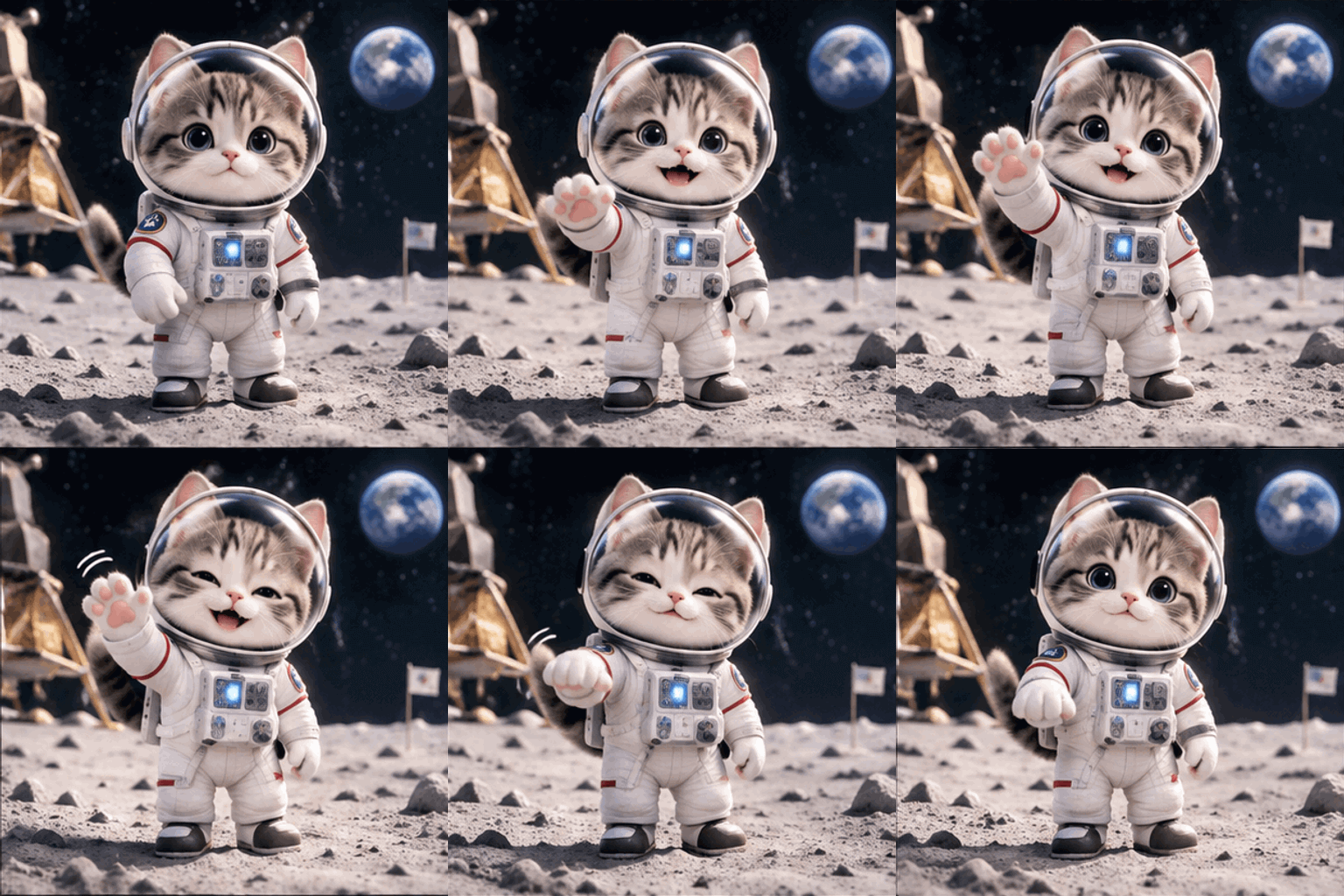
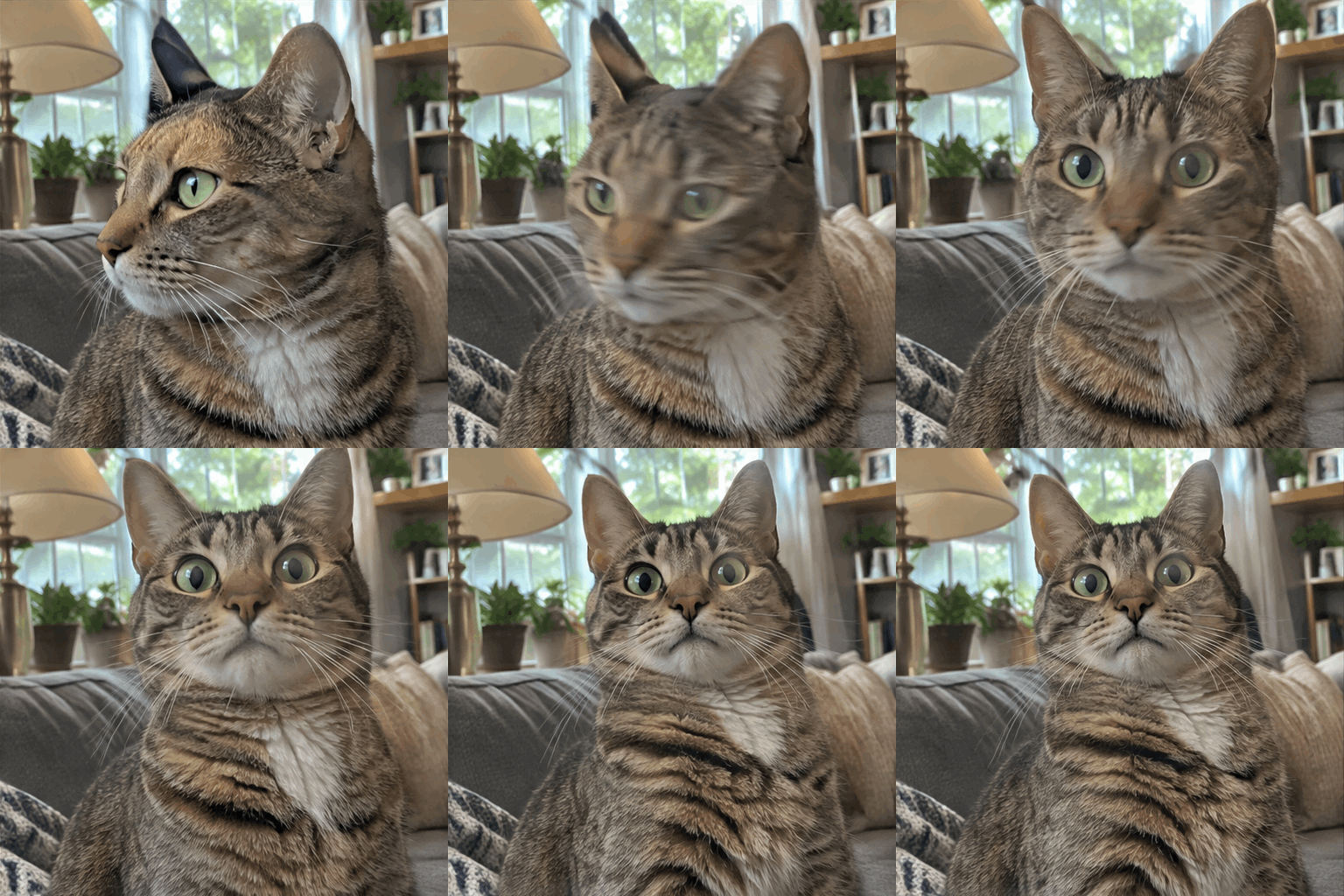
Explore AI GIF Examples Made with AIGIFGO
Find GIF ideas for your next creation and explore the GIF prompts behind each example. Choose Recreate to bring one into our AI GIF generator, then make it your own.


AI GIF Generator: Create from Scratch or Animate a Picture
A scene you’ve imagined. A photo you wish would move. Choose where you want to begin.
Turn Your Ideas into Scenes with Text to GIF
Start with a character, a setting and a simple action, even if you have no pictures or videos. Our AI GIF maker creates a new scene from your description.
Bring a Favorite Picture to Life with Image to GIF
Give a pet photo a playful movement or make a character in your artwork wave. Upload your picture and tell our AI GIF generator what you’d like to see happen.
AI GIF Generator for Reactions, Celebrations and Everyday Fun
Choose a moment you want to share, then make a GIF that fits it.
Create Original Reactions with Our AI Meme GIF Generator
Turn an inside joke into a funny AI GIF your friends will recognize. Our AI GIF generator can give your character an exaggerated eye-roll, a surprised double take or a victory dance to match the conversation.
Send a Personal Greeting with Our Birthday GIF Maker
Make a happy birthday AI GIF inspired by their favorite animal, hobby or colors. Use our AI GIF maker to create a greeting with a cat offering a gift or a tiny dragon blowing out candles.
Animate Original Characters with Our Pixel Art GIF Generator
Give your original character a wave, a jump or a victory pose with our AI GIF creator. Share the result in a group chat or add it to a post with a retro look.
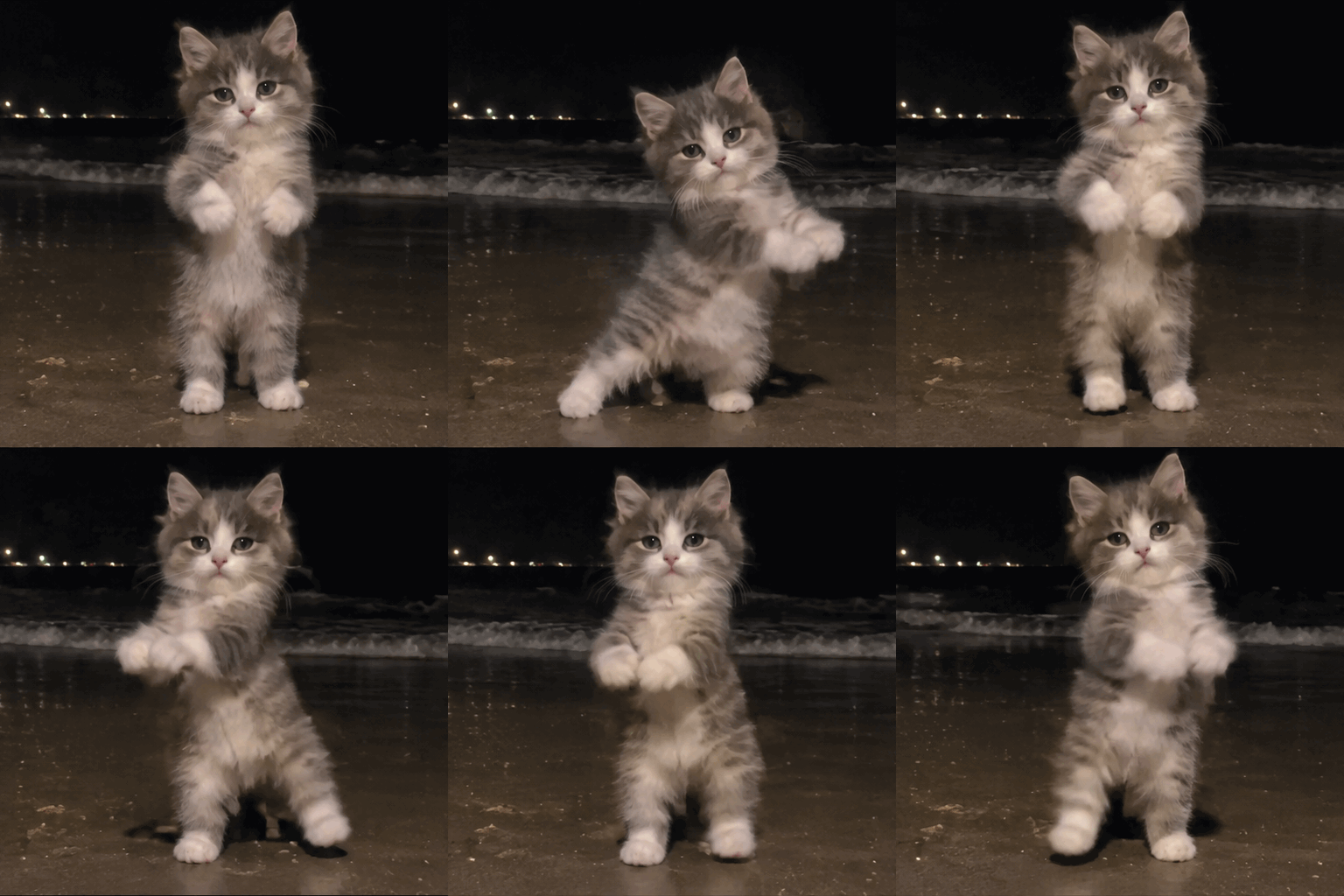
Make a Playful AI Cat Dance GIF
Imagine your cat showing off a silly dance, or try an AI dog dancing GIF for a friend who loves dogs. Start with a description or your own pet photo and choose a playful move.
How to Make a GIF with AI in Three Steps
Get started with our AI GIF generator, from your first idea to a GIF you can download.
Start with an idea or an image
Choose Text to GIF and describe your scene, or select Image to GIF, upload a picture and describe the movement. You can also choose Recreate on an example to use its starting prompt.
Generate your GIF
Sign in and check the credit cost on the button, then select Generate GIF. Follow the status in the preview panel while our AI GIF maker creates your animation.
Preview and download
Preview your animated GIF, then select Download GIF to save it. You can also find your creations in My GIFs and download them from there.
AI GIF Generator FAQ
Can AI make GIFs?
Yes. Start with a written description or a still image. Tell AIGIFGO what you want to move, then generate and preview your animated GIF.
How to make custom GIFs?
Describe your character, its action and the setting, or upload an image and describe the movement. Add a visual style if you have one in mind, or use Recreate to start from an example and edit its prompt.
How to make a birthday GIF?
Start with something the person likes, such as a favorite animal, color or hobby, and describe a celebration around it. A character offering a present or blowing out candles is a simple place to start. Review any generated lettering before sharing.
Is AI GIF generator free to use on AIGIFGO?
AIGIFGO uses credits for generation. Sign in to see your balance and check the credit cost on the Generate GIF button before submitting.
How to make a GIF from a photo?
Select Image to GIF, upload your photo and describe the movement you want. Generate the animation, preview it and download your GIF.
How long does it take to generate a GIF?
Generation time varies. The preview panel shows the current status while your GIF is being made.
How to download a GIF from AIGIFGO?
Open your finished result in AIGIFGO or find it in My GIFs, then select Download GIF. Result files are kept for 30 days, so save a copy you want to keep.
What happens if generation fails?
If a task is confirmed as failed, its reserved credits are released. A task that is still processing or whose status has not been confirmed is not treated as a failed generation.